







Why Health Management Matters
Centralized Information
Easily access and manage all your health information in one place.

Monitoring Health Trends
Identify changes and track trends across various health parameters.

Health Goal Setting
Take a proactive role in managing your health & making informed decisions

Comprehensive
Health Monitoring
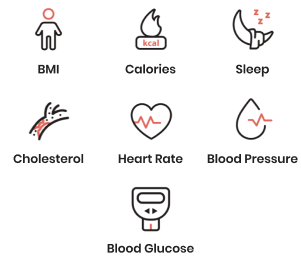
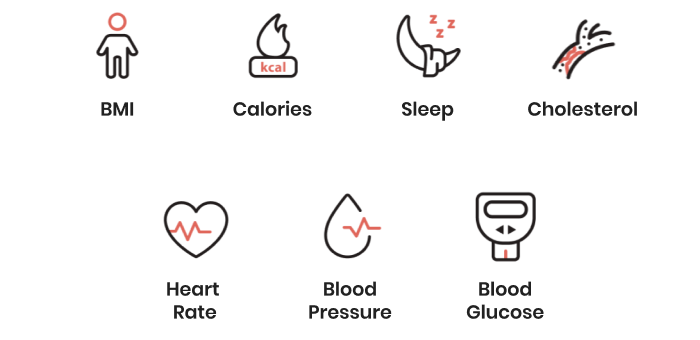
We track vital health metrics, including BMI, heart rate, blood glucose, blood pressure, calories, cholesterol, and sleep patterns.
How It Works
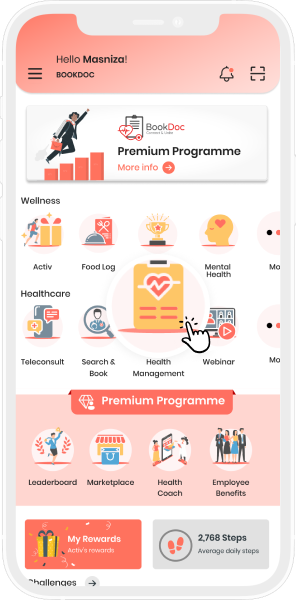

Open the BookDoc App and Tap on ‘Health Management’
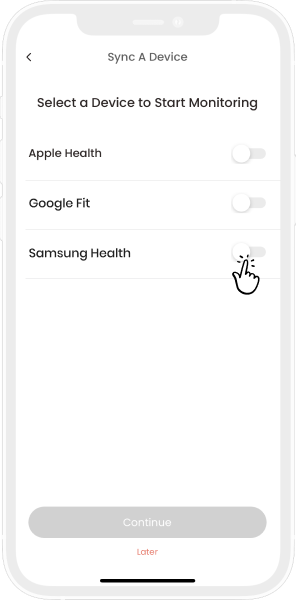

Sync a Device to Start Monitoring
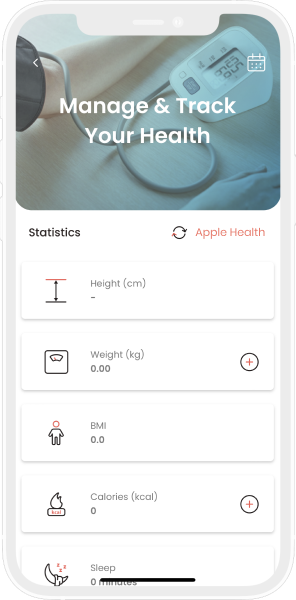

Manage and Track Your Health
Frequently Asked Questions
Yes. The confidentiality and security of your health data are of utmost importance to us. We have established rigorous technical and administrative measures to ensure that all sensitive information remains protected and strictly confidential throughout your use of the BookDoc app.
Method 1: Sync with Device
- Go to the Health Management page on the BookDoc app.
- Tap ‘Sync with Device’ to connect your Apple Health or Google Fit app.
- Your health data will be automatically updated.
Option 2: Manual Data Entry
- Go to the Health Management page on the BookDoc app.
- Tap the ‘+’ button next to the metric you wish to update (e.g., weight, blood pressure, blood glucose).
- Enter your data and tap ‘Save’.
Your data is securely linked to your BookDoc account and safely stored within our system. When you log in on a new or existing device, you can easily access all your previous data.