







Disclaimer: This workaround may NOT work well for some users and they may experience data discrepancies because the data are indirectly synced from Zepp Life to BookDoc via another third-party app Apple Health.
STEP 1
– Download ‘Zepp Life’ app and create a user account.

STEP 2
– Pair your Mi Band to Zepp Life.
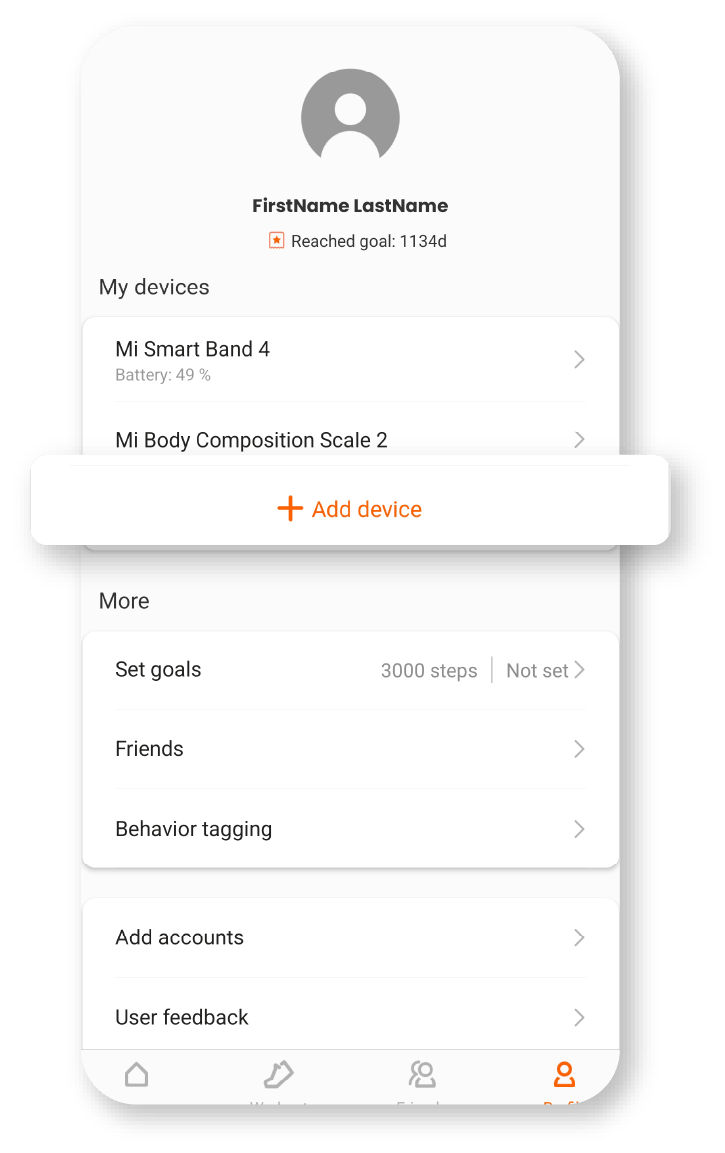
STEP 3
– Open ‘Apple Health’ app, tap on the profile icon on the right.
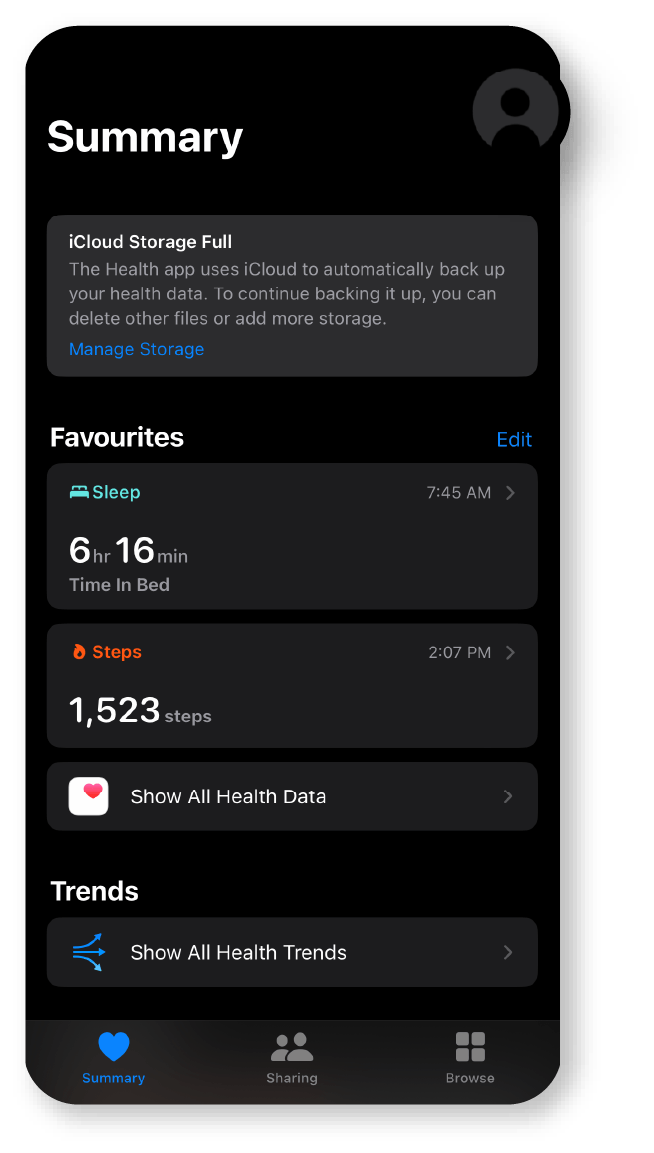
STEP 4
– Tap on ‘Apps’.
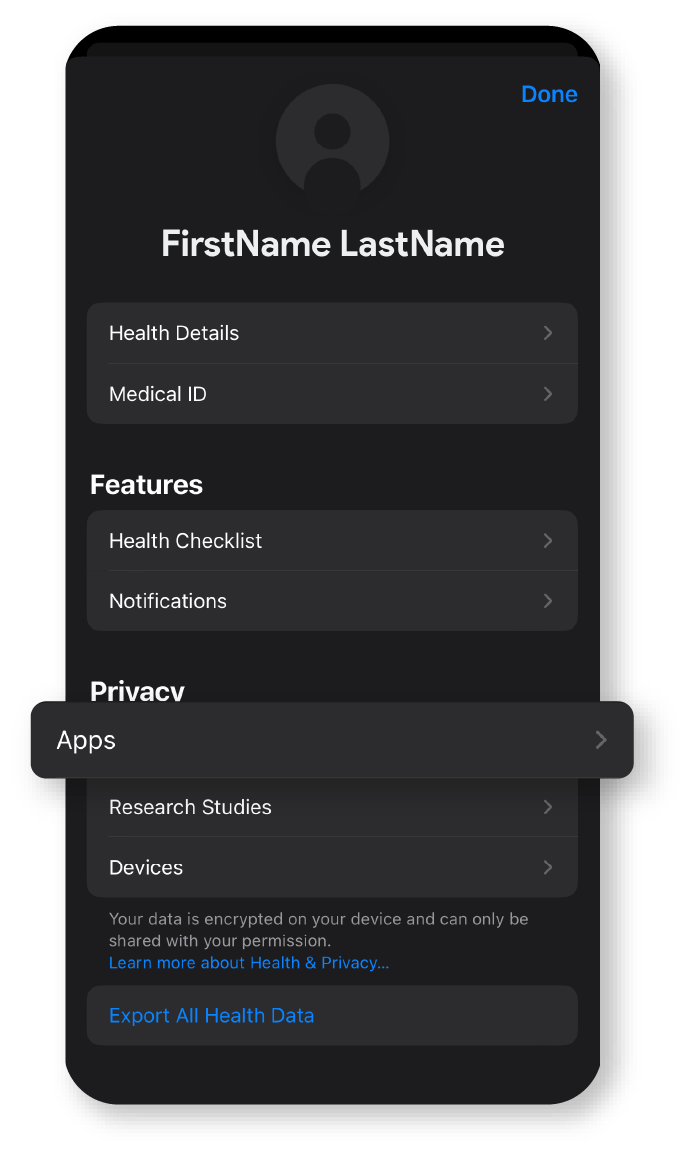
STEP 5
– Tap on ‘Zepp Life’.
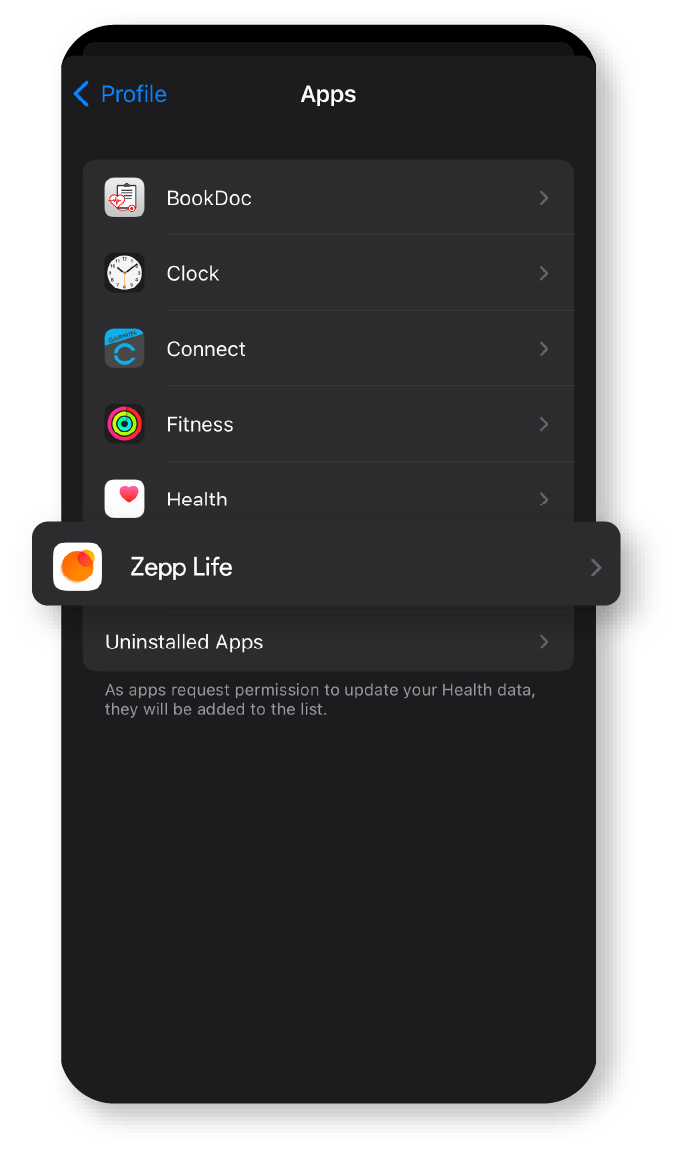
STEP 6
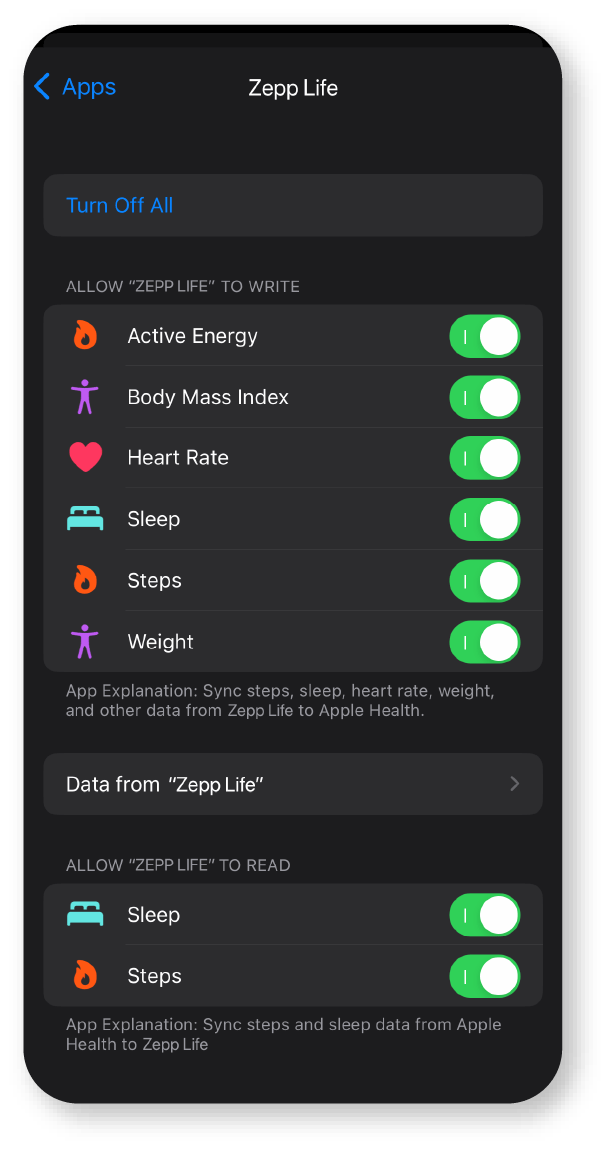
– Ensure all the settings are turned on, especially ‘Steps’
STEP 7
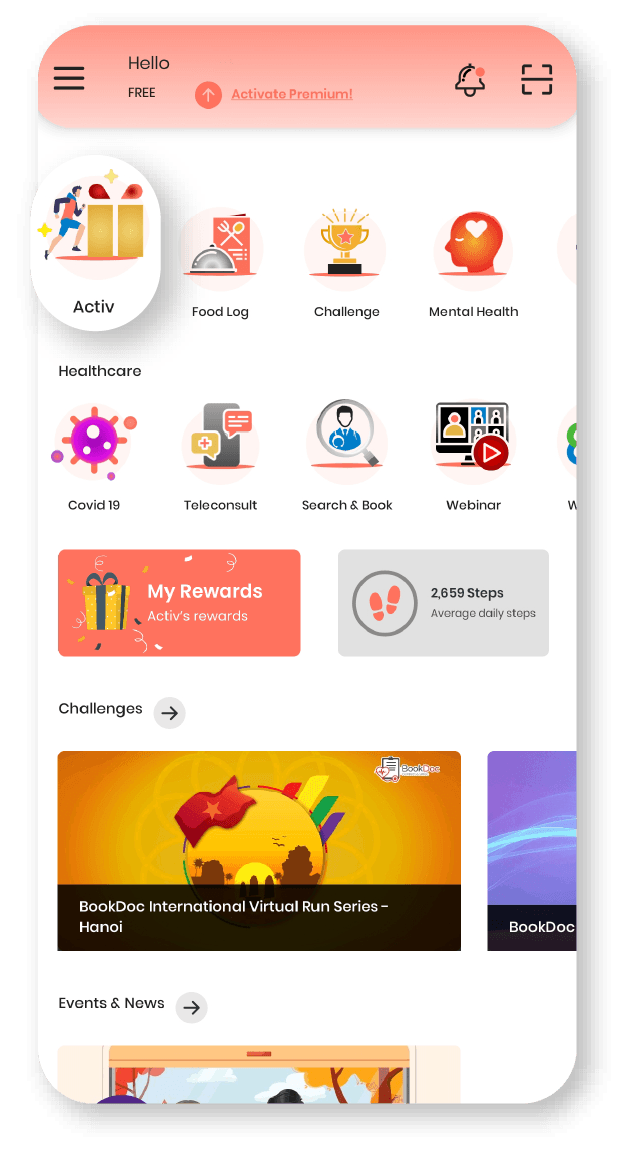
– Open BookDoc App and tap on ‘Activ’
STEP 8
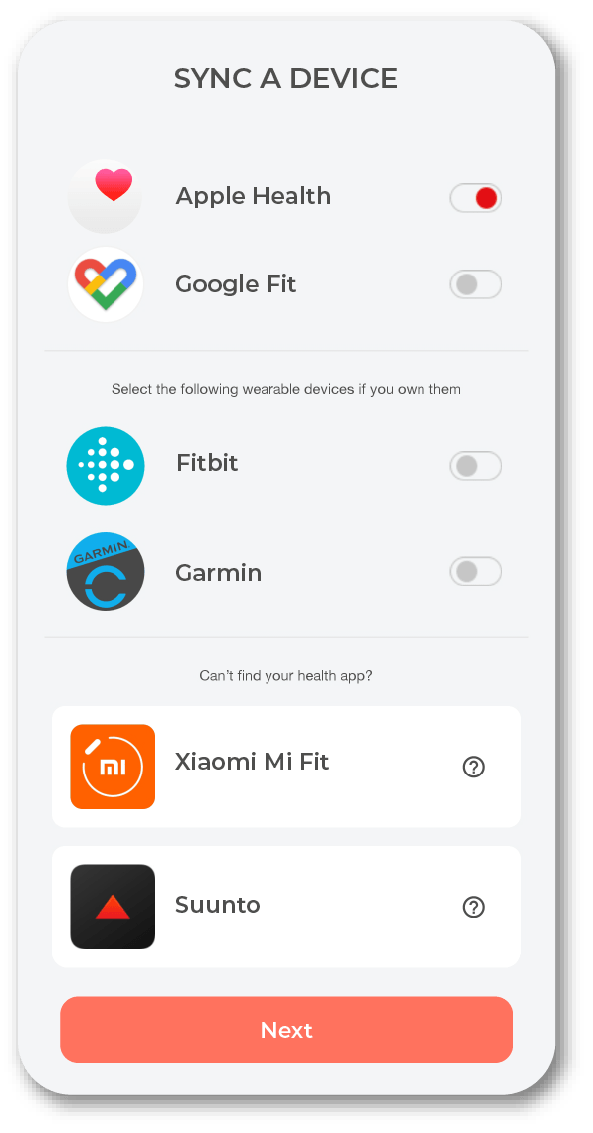
– Sync ‘Apple’ Health
NOTE
– Please open both Zepp Life and ‘Apple Health’ apps once daily for the data transmission.